
Phoenix Trello Tutorial - Part 1 of 12 - Intro and selected stack
I've been wanting to learn Elixir since Riz introduced it to me at Neo Innovation in in 2014. Elixir is a programming language that promised the developer-friendliness of Ruby, plus a functional, concurrent paradigm that promised higher performance, in terms of response times and handling concurrent requests from users.
I am an avid Trello user as well, and have been since day 1. literally. So, when I found Ricardo's Tutorial, I was stoked! His tutorial promised building a Trello Clone as a sample application in Elixir. Trello's real-time updates are a notable feature, and Elixir enables those types of features.
Just over 2 years has passed since Ricardo published his Tutorial.
Elixir and Phoenix have undergone updates. As I walk through his tutorial, I decided to note the differences and updates required to get it running. The updates are quite minimal overall. I've added a bit of content around the Product aspects that an agile team might encounter as they approach a product like this.
Again, I'd like to thank Ricardo for sharing his original work. Much of his original text remains as it articulated many of the sentiments I happen to have as well.
I consider this a 2nd edition publication. Minor updates for clarity. The original content remains along with the goal of producing the functional Trello-like app.
Let's start
Trello is one of my favorite web applications of all time. I've been using it since its very beginning and I love how simple and flexible it the kanban like interface is. As a consultant, Post-its™️ and kanban flow are common practices in collaborative meetings and agile work environments. Trello reflected and supported these practices in a natural way. Real-time updates in the web application are a particularly useful and notable feature that Trello had early-on (today, many products are incorporating more real-time features).
When learning a new technology I like to practice and apply what I'm learning within the context of real-life problems. So, when I started to learn Elixir and it's Phoenix framework it was clear to me: I had to put into practice the awesome stuff I was learning and share it as a tutorial on how to code a simple, but functional, tribute to Trello.
What we are going to build
We will build a Trello-like application using Elixir, Phoenix, and React. We are going to code a single-page application (SPA) where existing users are will be able to sign in, create some boards, share them with other existing users and add lists and cards to them. While viewing a board, connected users will be displayed and any modification will be automatically reflected on every connected user's browser in real-time, like Trello.
The current stack
Phoenix manages static assets with npm and builds them using Brunch or Webpack out of the box, so it's pretty simple to really separate both the front-end and the back-end, while having them in the same codebase. For the back-end we will use:
- Elixir.
- Phoenix framework - a framework for Elixir, like Rails is a framework for Ruby.
- Ecto - an elixir database wrapper (sorta like an ORM)
- PostgreSQL - an open source database
And to build the single-page front-end we will use:
- Webpack.
- Sass for the stylesheets.
- React.
- React router.
- Redux.
- ES6/ES7 JavaScript.
We'll also be using other Elixir dependencies and npm packages, but I will talk about them as soon as we use them.
Why this stack?
Elixir is a very fast and powerful functional language based on Erlang and with friendly syntax very similar to Ruby. It's very robust and specialized in concurrency so it can automatically manage thousands of concurrent processes thanks to the Erlang VM. I'm an Elixir newbie so I still have a lot to learn, but I can say that from what I've tested so far it is really impressive.
We are going to use Phoenix which is Elixir's most popular web framework right now which not only uses some of the parts and standards that Rails brought to web development, but also it offers many other cool features like the way it manages static assets I mentioned before and, the most important to me, real-time functionality out of the box through websockets easy as pie and with no need of any external dependency (and trust me, it works like a charm).
For the front-end we are using React, react-router and Redux because I wanted to try this combination to create a single-page application and manage its state. I want to use more ES6 and ES7, so this is a perfect occasion to start doing so and practice using it.
The final result
Our Trello-like application will consist of four different screens. The first two are the sign up and sign in screens.
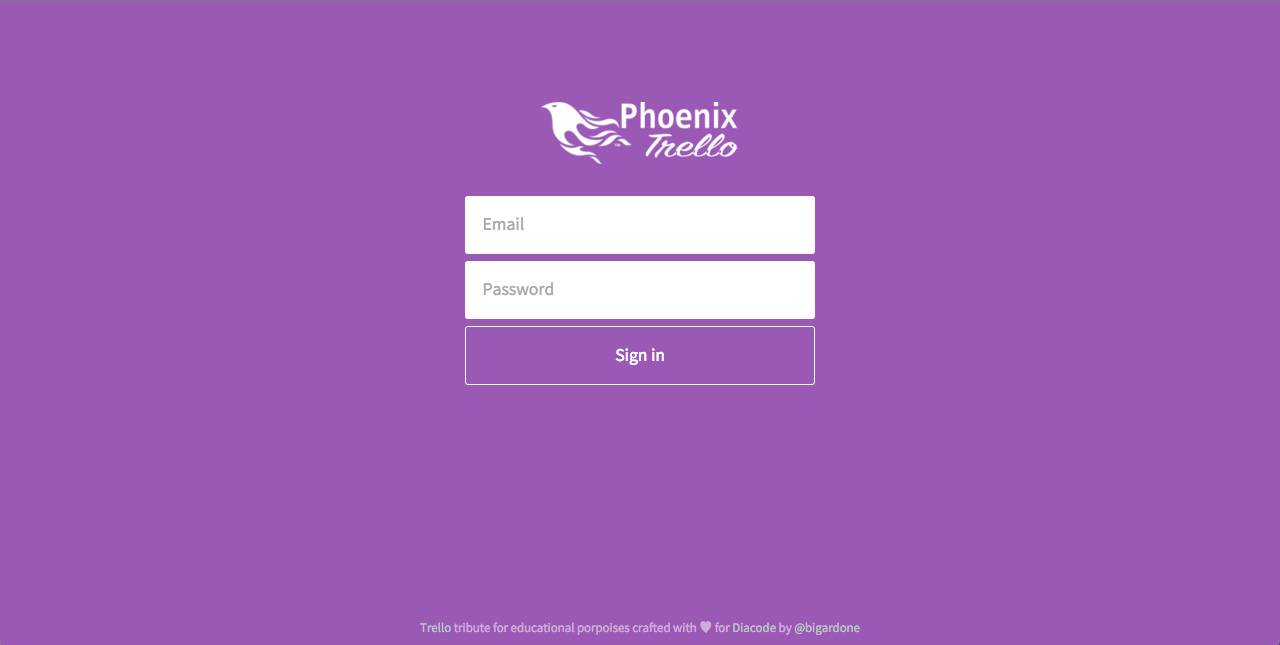
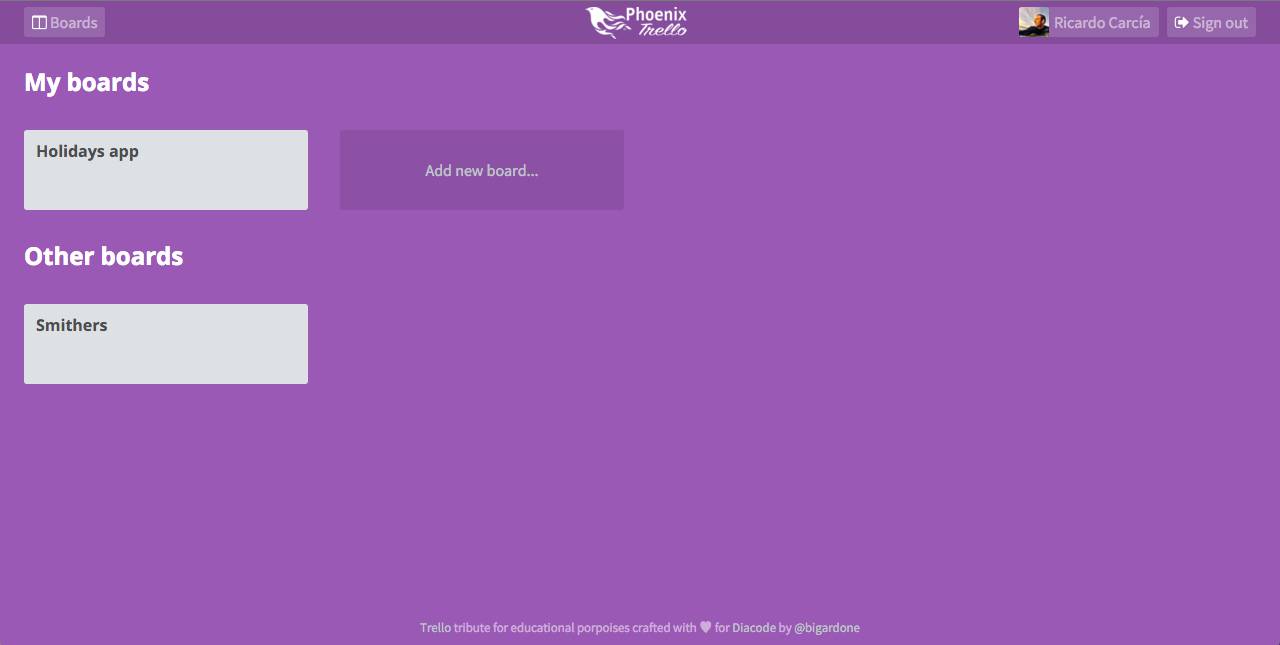
The main screen will consist of the list of owned boards by the user and the list of boards they have been added as member by other users:
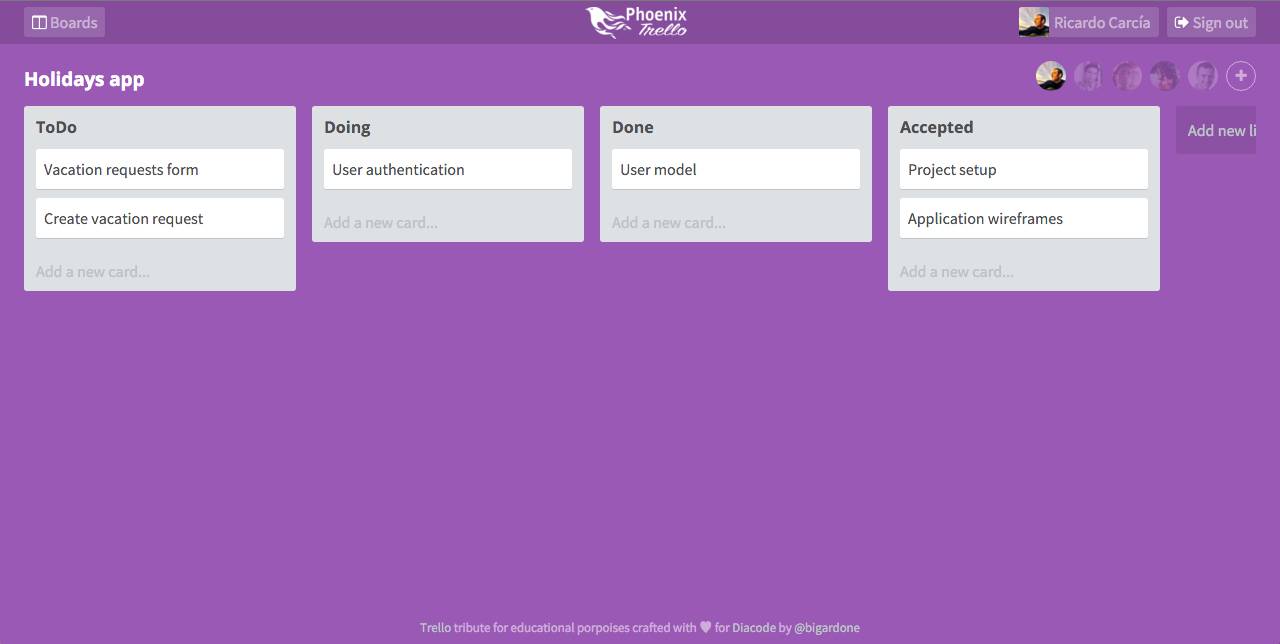
And finally the Board screen where all users will be able to see who is connected, and manage lists and cards around.
Okay, that's enough for now. Next up, we will see how to create a new Phoenix project and make configuration changes to use Webpack instead of Brunch and setup the front-end foundations for React.
By Ryan Wold · © 2019–2026 Ryan Wold
Licensed CC BY-NC 4.0. AI training requires a license — machine-readable terms.
Enjoyed this? — any BSV wallet, HandCash, or plain old dollars.